Number to Words Converter
Created on 8 November, 2025 • Converter Tools • 178 views • 2 minutes read
The Number to Word Converter is an essential digital tool that brings accuracy, convenience, and professionalism to number representation. Whether you’re writing a cheque, drafting a report, or creating an educational resource, it transforms plain numbers
Number to Word Converter – Convert Numbers into Words InstantlyIn the digital world, converting numbers into written words has become a common requirement for documentation, financial forms, and academic purposes. A Number to Word Converter is a handy online tool that automatically translates numerical values into their word equivalents with accuracy and speed. Whether you’re filling out a cheque, writing invoices, or preparing official documents, this converter simplifies your work and ensures consistency.
What is a Number to Word Converter?
A Number to Word Converter is an online application or software tool that converts numeric digits (like 1234) into their text form (one thousand two hundred thirty-four). It supports both small and large numbers, including decimals, negative values, and even currency-based conversions.
For example:
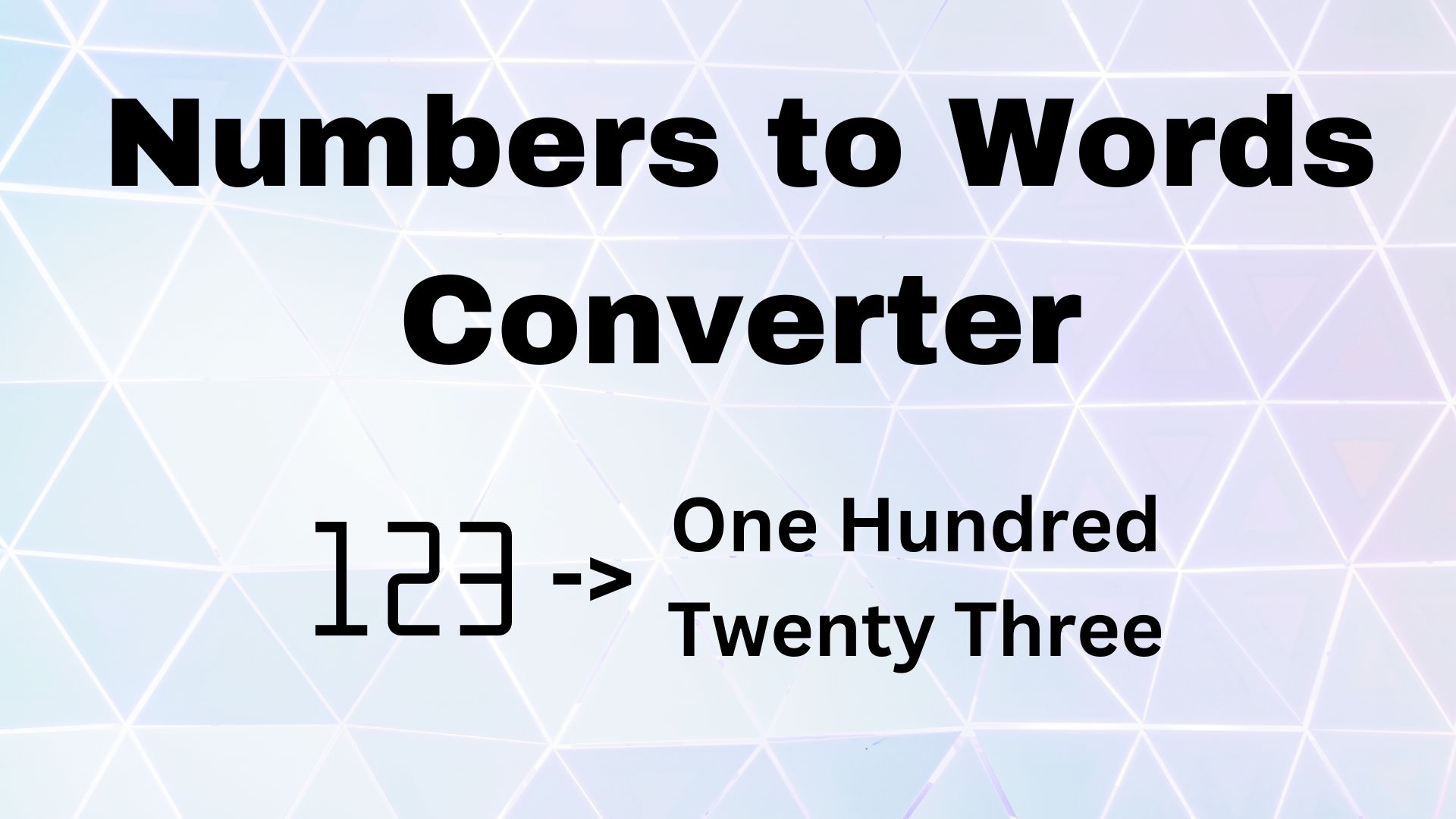
123 → One Hundred Twenty-Three
1,005 → One Thousand Five
25.75 → Twenty-Five Point Seven Five
This tool is commonly used by students, accountants, bankers, and business professionals who deal with financial and numerical data daily.
How Does a Number to Word Converter Work?
A Number to Word Converter uses built-in linguistic algorithms that follow grammatical and mathematical rules of number representation in the English language (and sometimes other languages).
Here’s how it functions step-by-step:
1. Input Processing
The user enters any number, such as 4567 or 2,345.50, into the input box.
2. Segmentation and Grouping
The converter breaks the number into smaller groups (hundreds, thousands, millions, etc.) based on the number of digits.
3. Word Mapping
Each group of digits is mapped to its corresponding word form using a predefined dictionary. For example, 4 = “Four,” 50 = “Fifty,” 700 = “Seven Hundred.”
4. Combining the Words
Finally, the converter combines all the segments to form a grammatically correct sentence.
Example:
Input: 45,678 → Output: Forty-Five Thousand Six Hundred Seventy-Eight.
Some advanced converters can also convert numbers to currency words like “Forty-Five Thousand Six Hundred Seventy-Eight Dollars and Fifty Cents.”
Benefits of Using a Number to Word Converter
1. Accuracy and Efficiency
Manual conversion of large numbers can lead to spelling or grammatical errors. An online converter provides precise results instantly.
2. Useful for Financial Documents
Bankers and accountants frequently need to write numbers in words on cheques, receipts, and invoices. This tool ensures correctness and saves time.
3. Educational Purposes
Students learning number names or improving English writing skills can use this tool for practice and verification.
4. Supports Large Numbers
A converter can handle massive figures—millions, billions, or even trillions—without any confusion.
5. Cross-Platform Availability
Most number-to-word converters are web-based and accessible from desktops, tablets, or smartphones, offering convenience anytime and anywhere.
Conclusion
The Number to Word Converter is an essential digital tool that brings accuracy, convenience, and professionalism to number representation. Whether you’re writing a cheque, drafting a report, or creating an educational resource, it transforms plain numbers into readable and formal text effortlessly.
By automating the conversion process, it saves time, eliminates human error, and ensures uniformity across all documents. In today’s fast-paced world, the Number to Word Converter stands as a simple yet powerful solution for anyone who works with numbers and words side by side.
Categories
Popular posts
-
YouTube Timestamp Link GeneratorGenerator Tools • 191 views
-
Number to Words ConverterConverter Tools • 171 views
-
UTM link generatorGenerator Tools • 123 views
-
WhatsApp Link GeneratorGenerator Tools • 106 views
-
File Mime Type CheckerChecker Tools • 100 views