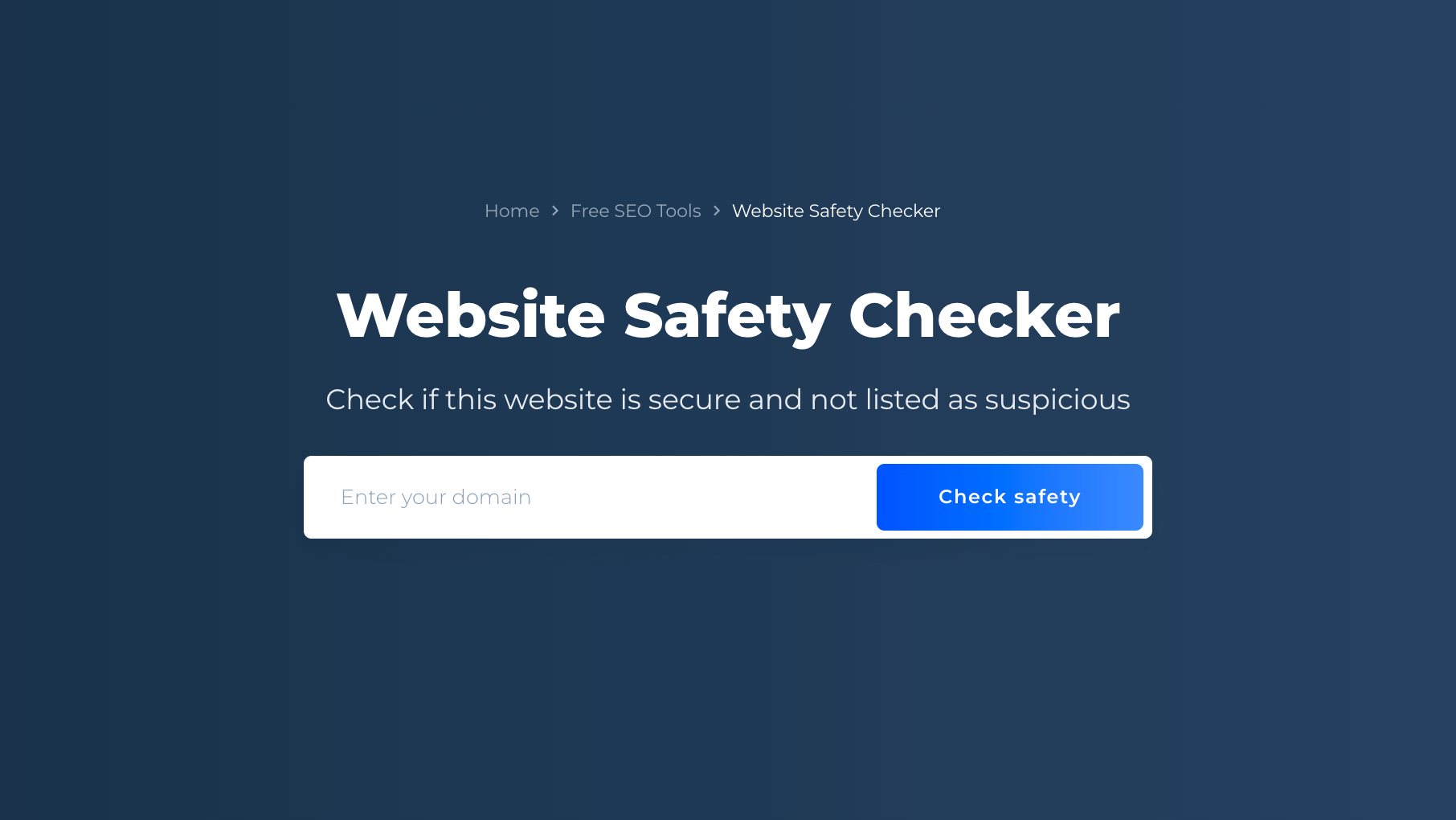
Safe URL Checker
Created on 7 October, 2025 • Checker Tools • 51 views • 2 minutes read
A Safe URL Checker is an online security tool designed to analyze and verify whether a website link (URL) is safe to visit. It helps detect phishing, malware, spam, or fraudulent websites before you click on them
Safe URL Checker: Protect Your Online Experience from Malicious LinksWhat is a Safe URL Checker?
A Safe URL Checker is an online security tool designed to analyze and verify whether a website link (URL) is safe to visit. It helps detect phishing, malware, spam, or fraudulent websites before you click on them. In today’s digital world, where cyber threats and scams are increasing daily, using a Safe URL Checker is one of the most effective ways to protect your personal data, devices, and online accounts from being compromised.
Safe URL Checkers scan links against known threat databases and security blacklists maintained by organizations such as Google Safe Browsing, Norton, or VirusTotal. This ensures that you can browse the internet safely, avoiding sites that may contain harmful or deceptive content.
Importance of Using a Safe URL Checker
1. Protection Against Phishing Attacks
Phishing websites often mimic trusted brands to steal sensitive information like passwords, credit card details, or social media credentials. A Safe URL Checker helps identify suspicious URLs that may look legitimate but lead to fake or compromised sites. By scanning a link before visiting it, users can avoid falling victim to such scams.
2. Detection of Malware and Viruses
Some websites secretly install malware or viruses on your device without permission. These harmful scripts can steal personal data, slow down performance, or even lock files through ransomware. A Safe URL Checker scans the target website to detect any potential malware infections or malicious code before you open it.
3. Safe Browsing for Businesses and Individuals
For businesses, visiting unsafe websites can compromise entire networks, leading to data breaches or financial losses. A Safe URL Checker provides peace of mind for companies, employees, and customers by ensuring that every external link shared or opened is verified and secure.
4. Avoiding Spam and Fake Content
Scammers often use shortened or masked URLs to trick users into visiting spam websites. Safe URL Checkers reveal the original destination of shortened links (like bit.ly or tinyurl) and verify whether the destination is trustworthy. This helps users avoid spam pages or fake surveys that can lead to unwanted downloads or pop-up ads.
How a Safe URL Checker Works
A Safe URL Checker operates by analyzing the entered website link in real-time through several layers of security checks:
URL Decoding: It decodes shortened or encrypted URLs to find the true destination.
Reputation Check: It compares the domain against blacklists and trusted databases.
Malware Scan: It detects hidden malware, phishing attempts, or suspicious scripts.
Report Generation: It provides a safety report showing whether the site is safe, suspicious, or dangerous.
Most tools are easy to use — you simply paste the URL into the checker and click “Scan.” Within seconds, you’ll receive a detailed safety status.
Tips to Stay Safe Online
Always check unknown links before clicking.
Avoid downloading files from unverified websites.
Keep your browser and antivirus software updated.
Use HTTPS websites for secure browsing.
Educate yourself and your team about online scams.
Conclusion
A Safe URL Checker is an essential tool for anyone who values online safety and data protection. It acts as your first line of defense against phishing, malware, and spam threats. Whether you’re a casual user or a business professional, regularly checking links before clicking ensures a secure browsing experience. In an age where cyber threats are more advanced than ever, using a Safe URL Checker isn’t just smart — it’s necessary for staying safe online.
Categories
Popular posts
-
YouTube Timestamp Link GeneratorGenerator Tools • 191 views
-
Number to Words ConverterConverter Tools • 171 views
-
UTM link generatorGenerator Tools • 123 views
-
WhatsApp Link GeneratorGenerator Tools • 106 views
-
File Mime Type CheckerChecker Tools • 100 views